DROHNENBETRIEB · LUXEMBURG

Risikobewertung

Strukturierte betriebliche Risikobewertungen für Benutzer und Organisationen.

Risikobewertung öffnen

SKYMISSION-PLATTFORM

Ein zusammenhängender betrieblicher Ablauf

SkyMission soll Planung, Risikobewertung, Durchführung, Flugbuch, Statistik, Dokumentation sowie Flotten- und Wartungsinformationen schrittweise zusammenführen.

  1. Planung

    Gebiet, Route und Drohne festlegen.

  2. Risikobewertung

    Bedingungen und Flugrisiken dokumentieren.

  3. Durchführung

    Mission vorbereiten und überprüfen.

  4. Flugbuch

    Flugaufzeichnungen zusammenhalten.

  5. Statistik & Dokumentation

    Aktivitäten und Missionsberichte auswerten.

  6. Flotte & Wartung

    Fluggeräte und Wartungsbedarf im Blick behalten.

Unser Entwicklungsziel: heute planen und Risiken bewerten, Schritt für Schritt den gesamten Betrieb verbinden.

SKYMISSION

Updates

Die neuesten Versionen. Der vollständige Verlauf steht im Update-Verlauf.

Update-Verlauf

Die Versionshinweise sind auf Englisch dokumentiert.

3 Versionen

Beta 0.6.2.10Illustrated tool guides and clearer mission exportsNeueste Version7 Änderungen

Verbessert

  • Explains the complete new-mission workflow with numbered steps and separate manual KMZ and RC2 Transfer export paths.
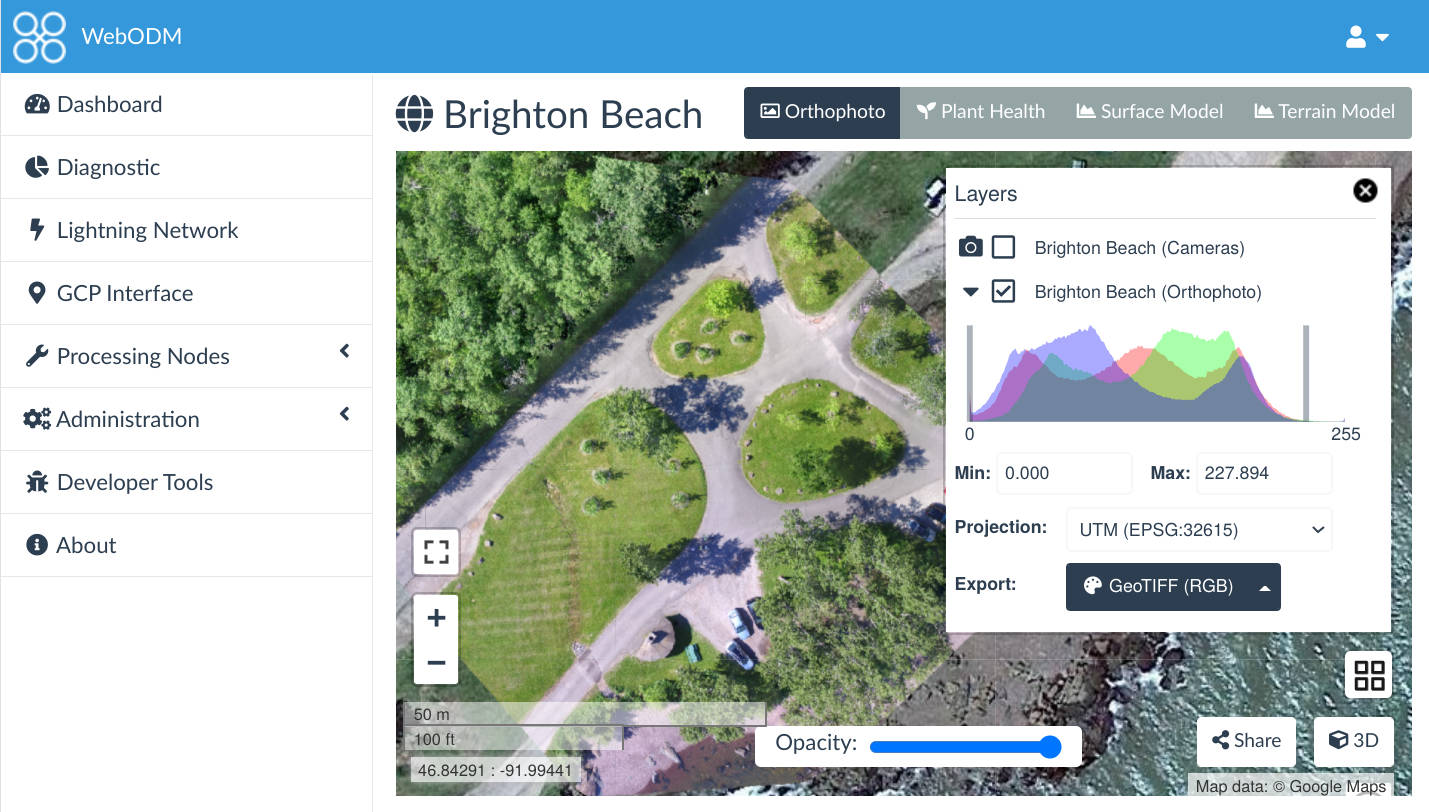
  • Links to official WebODM information and downloads, including native Windows installation.
  • Shows where to paste Boundary JSON with settings and with/without Boundary screenshots.
  • Explains Windows SmartScreen warnings and the RC2 utility with user-provided screenshots.
  • Translates all instructions and image captions into English, German, French and Luxembourgish.

Geändert

  • Moves Contact support below the RC2 guide in the Support menu.
  • Removes the Before you start panel from Risk Assessment and Mission Planner guides.
Beta 0.6.2.9Demo-only dummy WebODM Boundary output3 Änderungen

Verbessert

  • Labels the demo output in all four languages so it cannot be mistaken for a usable processing boundary.
  • Keeps drawing, margins and normal-account output available for testing.

Geändert

  • Replaces the Boundary Calculator output and copied code with fixed, invalid example coordinates for Demo accounts.
Beta 0.6.2.8Compact map controls for mobile mission planning4 Änderungen

Neu

  • Adds a localized fullscreen map button and larger touch controls on mobile devices.

Verbessert

  • Starts the shared Geozones and Airports layer menu collapsed on all maps while keeping the layers enabled.
  • Places the Mission Planner basemap buttons inside the layer menu to avoid overlapping controls.

Geändert

  • Replaces the large map help overlay with a collapsed, tappable help panel and preserves imagery attribution.